Tabs that archive themselves
Tabs you haven’t looked at for a day move to the Archive. Search by title or address, then swipe to bring one back.
Open beta on TestFlight · iPhone and iPad
A calm web browser for iPhone and iPad. Tabs you stop looking at slip quietly into a searchable Archive, so nothing is ever lost and there’s nothing to manage.
Free on TestFlight · Requires iOS 27 or later
The idea
Most browsers fill up with tabs you’ll never look at again. Dapple moves the quiet ones into an Archive, where they wait, searchable, until you want them back.
You choose when tabs archive. Pinned tabs and favorites never do, and nothing is ever deleted.
Fast to use
Dapple opens with the keyboard up and the cursor waiting. Everything else is a swipe or a long-press away.
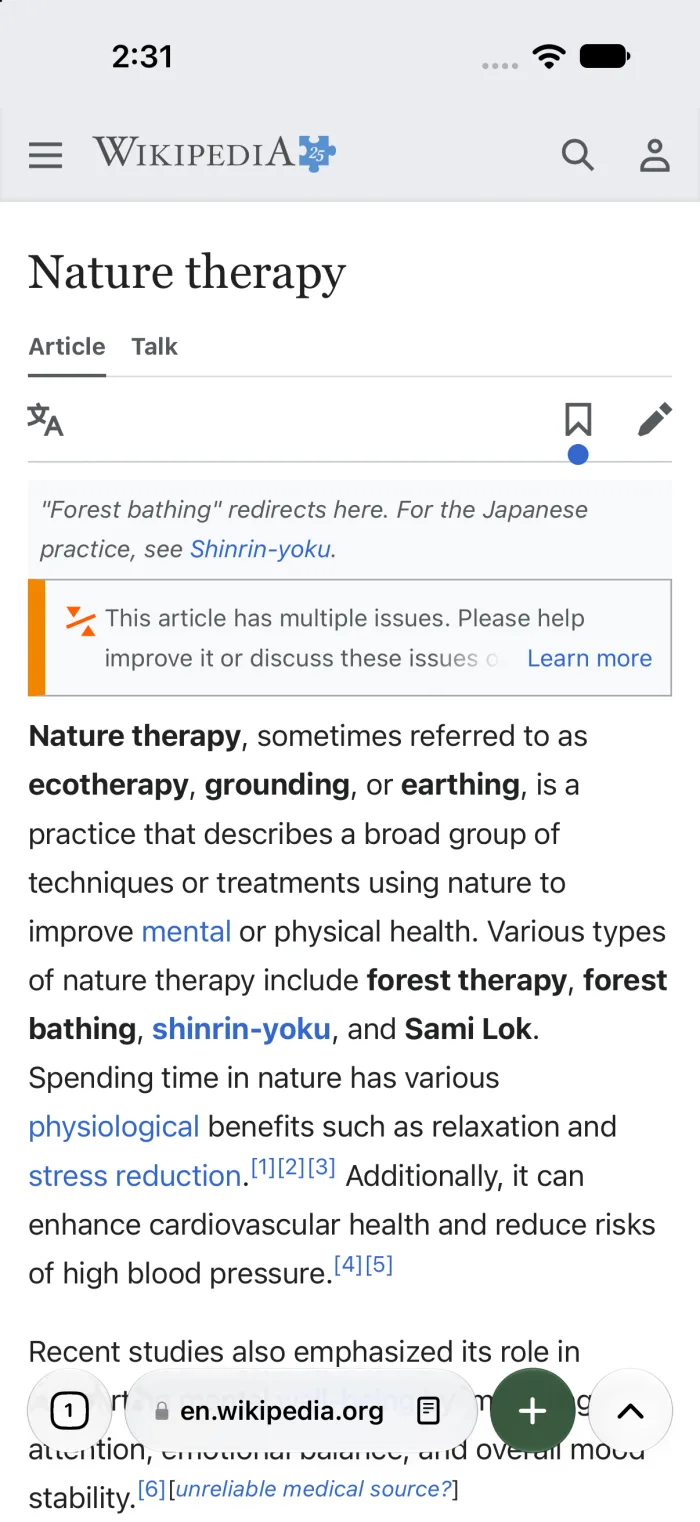
Tabs you haven’t looked at for a day move to the Archive. Search by title or address, then swipe to bring one back.
Swipe along the toolbar to move between tabs, with a soft haptic tick. Swipe up to see them all.
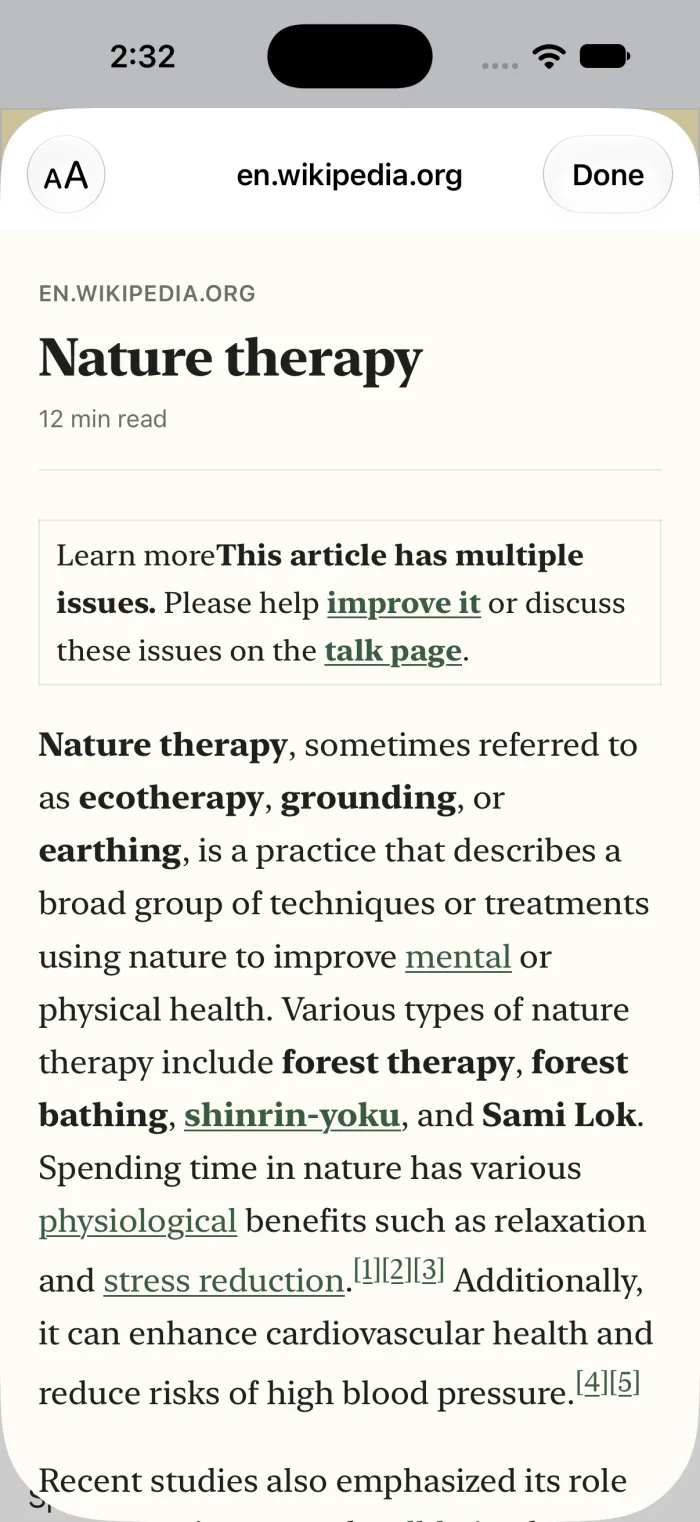
Just the article, in calm serif type. Larger or smaller text, light or dark, with page scripts switched off.
Keep Work and Home apart. Each Space has its own tabs, and links from other apps open where you are.
Tap the mic and speak. Your words are turned into text on the device, then searched the moment you stop.
Long-press the address bar and the link is copied, with tracking codes like utm_ and fbclid removed.
Private by default
Well-known advertising, analytics and fingerprinting services are blocked on the device. Switch it off for any site.
Common consent pop-ups are answered “reject” for you, using DuckDuckGo’s open-source rules.
Codes like utm_ and fbclid are stripped from links you open, copy or share.
Tabs, history, Archive and settings stay on your iPhone. Private tabs keep nothing at all.
Optional · Bring your own keyYour own key
Dapple’s AI features use your own Claude or ChatGPT account. Dapple runs no AI service and sees nothing, and without a key the AI features simply don’t appear.
Ask Claude
What is forest bathing?
Forest bathing, or shinrin-yoku, is the practice of spending slow, unhurried time among trees and paying attention to what you see, hear and smell.¹ The idea took shape in Japan in the 1980s.²
Open beta
Dapple is in open beta on TestFlight. Open this page on your iPhone, tap the button, and you’re in. Feedback goes straight to us from the TestFlight app.Dapple is in open beta on TestFlight. Tap the button and TestFlight opens right here on your iPhone. Feedback goes straight to us from the TestFlight app.
Join the iPhone betaRequires iOS 27 or later and the free TestFlight app.

On a computer?
Scan with your iPhone camera.